
Countertop Shop Software Comparison: Pick the Right Category First
A careful countertop shop software comparison by category—Excel, stone CAD/CAM, US fab suites, ERP, and shop-ops SaaS—so small shops don’t buy the wrong tool.
A useful countertop shop software comparison does not crown a "2026 winner." It clarifies the tool categories shops already mix - spreadsheets, stone CAD/CAM, US fabrication suites, millwork ERP, and shop-ops SaaS - and the criteria so a small shop does not buy the wrong family. Audience: owners and estimators in small countertop fabrication shops across Canada and the US.
Why compare categories, not podiums
On the English SERP, searches for countertop fabrication software are crowded with ranked "best of" listicles - SlabWise, Moraware, ActionFlow, and similar scorecards. Those pages rate products. This guide maps jobs to tool families. That difference matters when your real bottleneck is quoting speed, slab waste, or install scheduling - not a blog's #1 badge.
Buying the wrong category is expensive: license, training, data migration, and months of workarounds. An invented podium ignores team size, language, CAD currency for Canadian shops, and the true bottleneck - quotes, nesting, install, or CNC. Rank the need before the product name.
Five tool categories for a countertop shop software comparison
These are the families you actually meet on the shop floor. None is "bad"; each solves a dominant problem.
Excel / PDF / WhatsApp - Flexible, familiar, fast to start. Limits: version chaos, no status (sent / viewed / accepted), and retyping between drawing and price.
Stone CAD/CAM (EasySTONE-type tools) - Strong for CNC toolpaths and machining. Not a full shop-ops stack for quotes, client approval, and install scheduling.
US fab suites (Moraware CounterGo / Systemize-type) - Solid on fabrication operations. Often English-first, USD pricing, and support docs that may not fit a bilingual Canada shop.
Millwork / general ERP - Deep ops for wood, millwork, or multi-trade shops. Often heavy for a stone shop of 2-15 people.
Shop-ops SaaS (draw -> nest -> quote -> approve -> schedule) - Zedcut's lane: one job that connects geometry, slabs, price, and client follow-up without plant-scale ERP.
Criteria checklist for a small shop (2-15)
Before you compare product names, walk this checklist with your estimator and office. Mark what is non-negotiable for your shop.
EN/FR product and documents if you serve bilingual clients
CAD currency (and workable organization taxes) if you bill in Canada
Drawing linked to the quote - no retyping dimensions
Nesting / slab utilization so material lines match what you will cut
Public client approval link (no client account)
Clear roles (estimator vs cutter without full pricing if needed)
Install scheduling / shop tasks
Realistic implementation for a team of 2-15
Clear trial terms and reachable support
Which tool type for which problem
Match the dominant pain to a category - not to a ranked blog scorecard.
Slab waste -> a tool with real nesting (shop-ops SaaS or a fab suite that actually nests).
Slow quotes / retype errors -> shop-ops SaaS or a fab suite with a draw-to-price path.
CNC already bought -> keep CAD/CAM for machining; add an ops layer (quotes, approval, scheduling) beside it.
Multi-trade / millwork-dominant -> millwork ERP can make sense.
Just starting, low volume -> Excel can suffice until version chaos and missed approvals cost more than software.
Common comparison mistakes
Buying CAD/CAM thinking it replaces quotes and approvals - those are different jobs.
Importing a US suite without checking language, currency, and support - an English demo can hide the daily friction.
Jumping to heavy ERP for a small stone shop - oversized for 2-15 people.
Trusting ranked listicles that ignore your context - language, taxes, currency, and local process are not footnotes.
Where Zedcut fits (no fake #1)
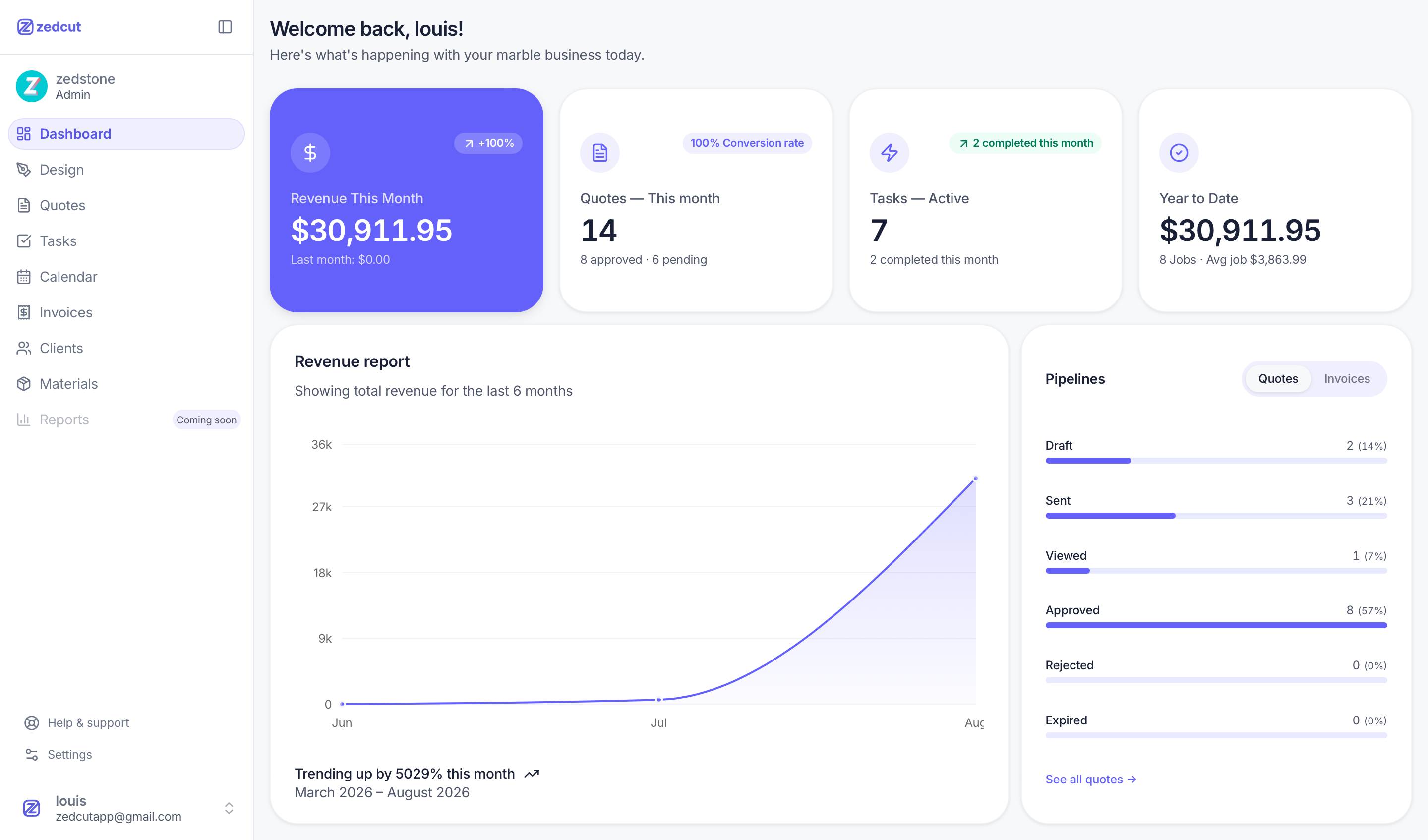
Zedcut is shop-ops SaaS for countertop fabrication: Design L/U/islands with cutouts and edges, automatic nesting, quotes from nesting, PDF plus a public approve/decline link (client types their name, no account), statuses draft -> sent -> viewed -> accepted/declined, invoice from an accepted quote, calendar/tasks, clients, materials catalog, and roles Admin / Manager / Estimator / Installer / Cutter.
Product in EN/FR, CAD billing. Essential from about CAD $100/mo; 14-day trial on Essential monthly (card required). Module detail: Zedcut features. For quoting and nesting deep-dives: countertop quoting software and client approval and how to reduce slab waste with countertop nesting.
Practical suggestion: test on one real kitchen - not only an empty demo. Shop questions: contact. Home: zedcut.com.
FAQ
What is the best software for a countertop shop?
It depends on the category you need. Use the criteria checklist above. There is no universal #1 - a CNC tool is not a quoting tool, and millwork ERP is not automatically right for a ten-person stone shop.
Do I need CAD/CAM and shop software?
Often yes if you already run CNC: CAD/CAM drives machining; shop software carries quotes, approval, ops nesting, and scheduling. Complementary jobs, not duplicates.
Is Excel enough for a small shop?
Yes until version chaos, retyped dimensions, and missing client yeses cost more than a tool. When volume rises, shop-ops SaaS or a fab suite becomes worthwhile without jumping to plant-scale ERP.
How should I compare Moraware vs a Canadian SaaS?
Compare on criteria - language, currency, nesting, approval link, team size, support - not on blog scorecards. A strong US fab suite can still be English-first and USD; a Canadian SaaS may fit bilingual Canada/US shops that bill in CAD more cleanly.
Ready to validate the shop-ops SaaS category on a real job? Start a free trial or contact Zedcut for a walkthrough built around your shop.